
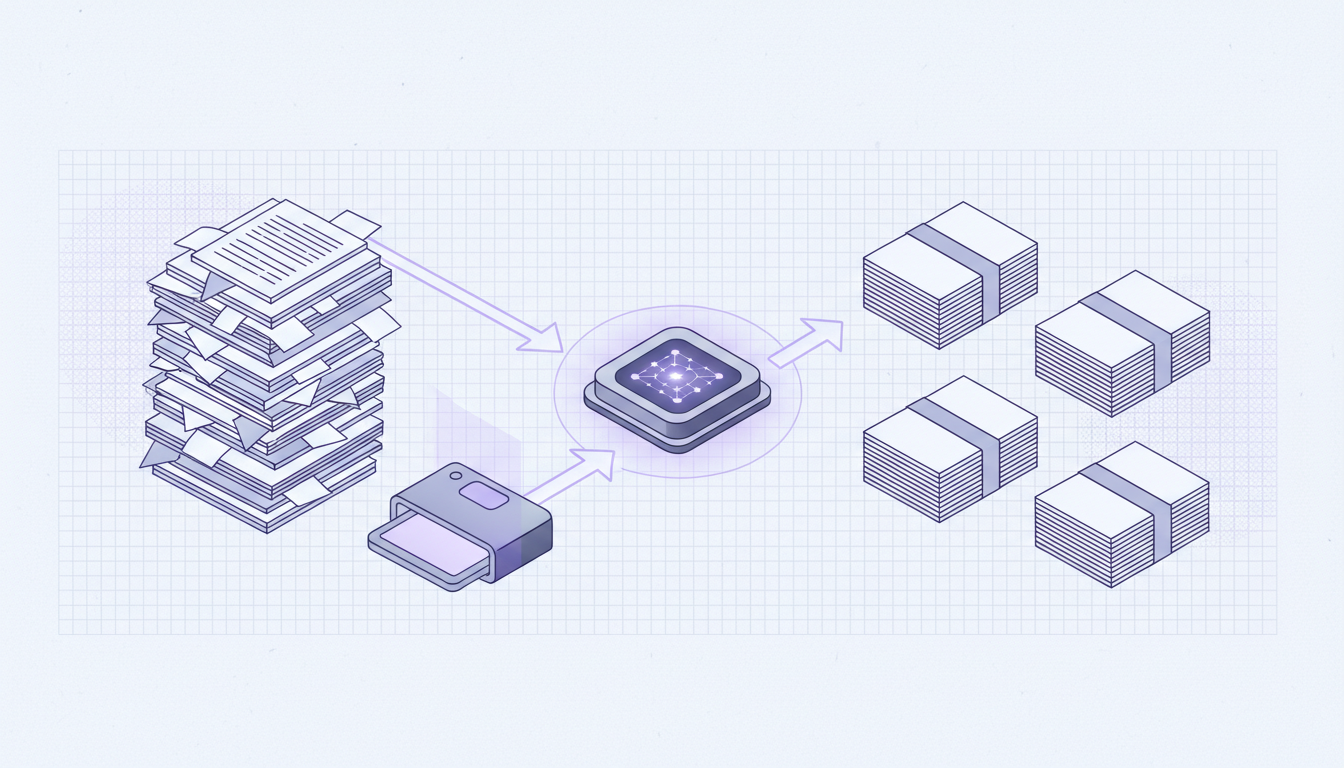
Companies rarely receive one clean PDF per business process.
What they actually receive is a large file that mixes invoices, statements, KYC documents, contracts, annexes, scans, and supporting pages in no predictable order. Before you can extract data, archive files, or push documents into downstream systems, you first need to identify where each document starts and ends.
That is the real document splitting problem.
AI document splitting workflow
Why traditional PDF splitting fails
Most PDF splitters work with fixed logic:
- split every
npages - split on a barcode or separator page
- split when a keyword appears in a predefined place
That works in controlled scanning environments. It breaks down when:
- the file contains several document types
- page counts vary from one document to another
- separator sheets are missing
- pages are scanned, rotated, or noisy
- a single incoming PDF contains hundreds or thousands of pages
In practice, teams end up checking the file manually, renaming documents by hand, and correcting downstream errors when pages are attached to the wrong record.
What AI-based document splitting changes
An AI document splitter does not rely only on hard-coded page rules. It analyzes the content and structure of each page to answer questions such as:
- Does this page belong to the previous document or start a new one?
- What type of document is this section?
- Which pages belong together?
- How should the output file be named?
This is the difference between basic page splitting and true document understanding.
For example, an AI workflow can detect that:
- pages 1 to 3 are a purchase order
- pages 4 to 9 are an invoice with attachments
- pages 10 to 18 are a bank statement
- pages 19 to 26 are an identity document package
Each output can then be exported as a separate file with a structured name and sent to the right system automatically.
Typical use cases for intelligent PDF splitting
AI splitting is especially useful when one file contains many business documents:
- shared inbox attachments merged into one PDF
- back-office scanning batches
- supplier document packets
- claims or case files with mixed evidence
- HR onboarding packs
- due diligence folders exported as bulk PDFs
The larger the file and the more heterogeneous the content, the less reliable rule-based splitting becomes.
How Raydocs handles multi-document PDFs
Raydocs is designed for large-scale document intelligence workflows, which includes this exact problem: separating mixed PDFs into usable documents before or during downstream processing.
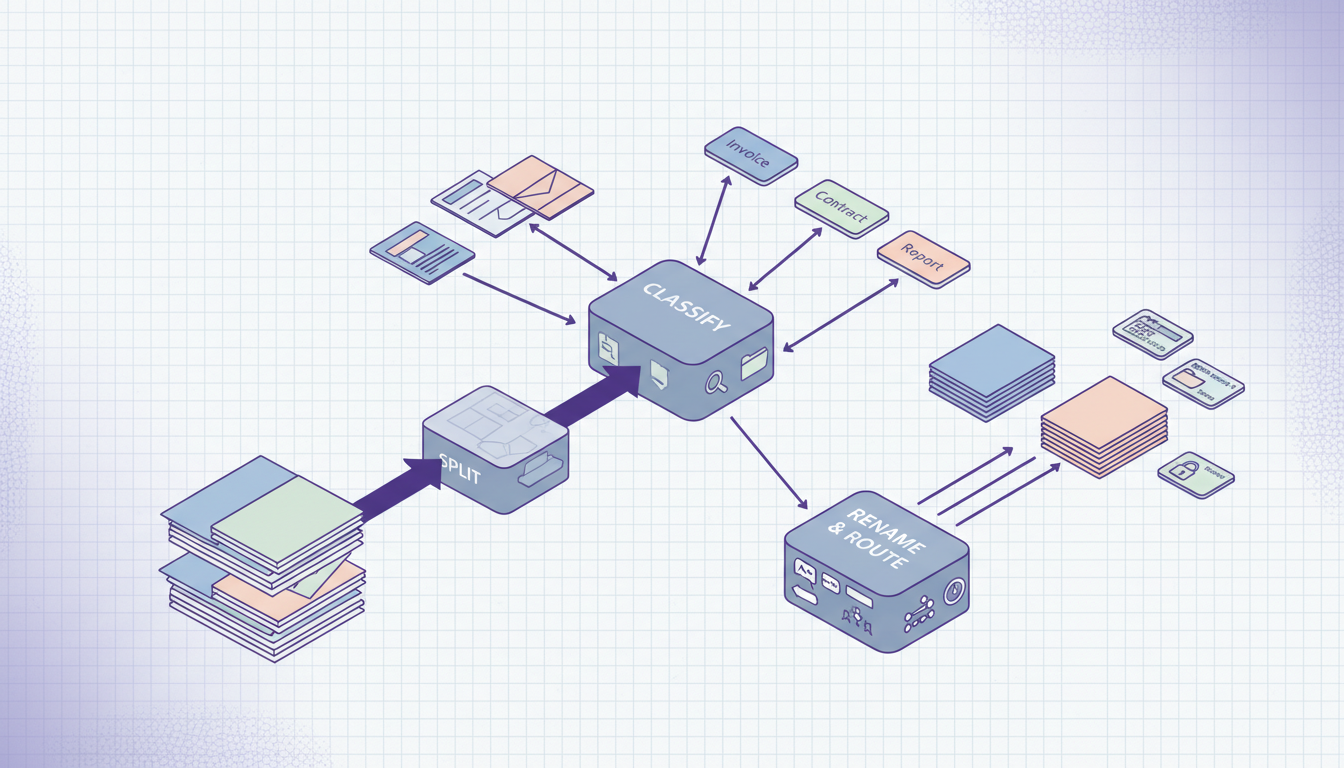
With Raydocs, you can configure workflows that:
- ingest very large PDFs or batches of PDFs
- detect whether one file contains several distinct documents
- identify the boundaries between documents
- classify each sub-document by type
- split the original file into clean document units
- rename each output file using your business rules
- route each document to extraction, review, storage, or an external system
This means you do not have to choose between splitting and extraction. The split can become part of the same document pipeline.

Document workflow
Turn mixed PDFs into structured document flows
Configure a Raydocs pipeline that detects boundaries, classifies sub-documents, renames outputs, and launches the right extraction flow for each document type.
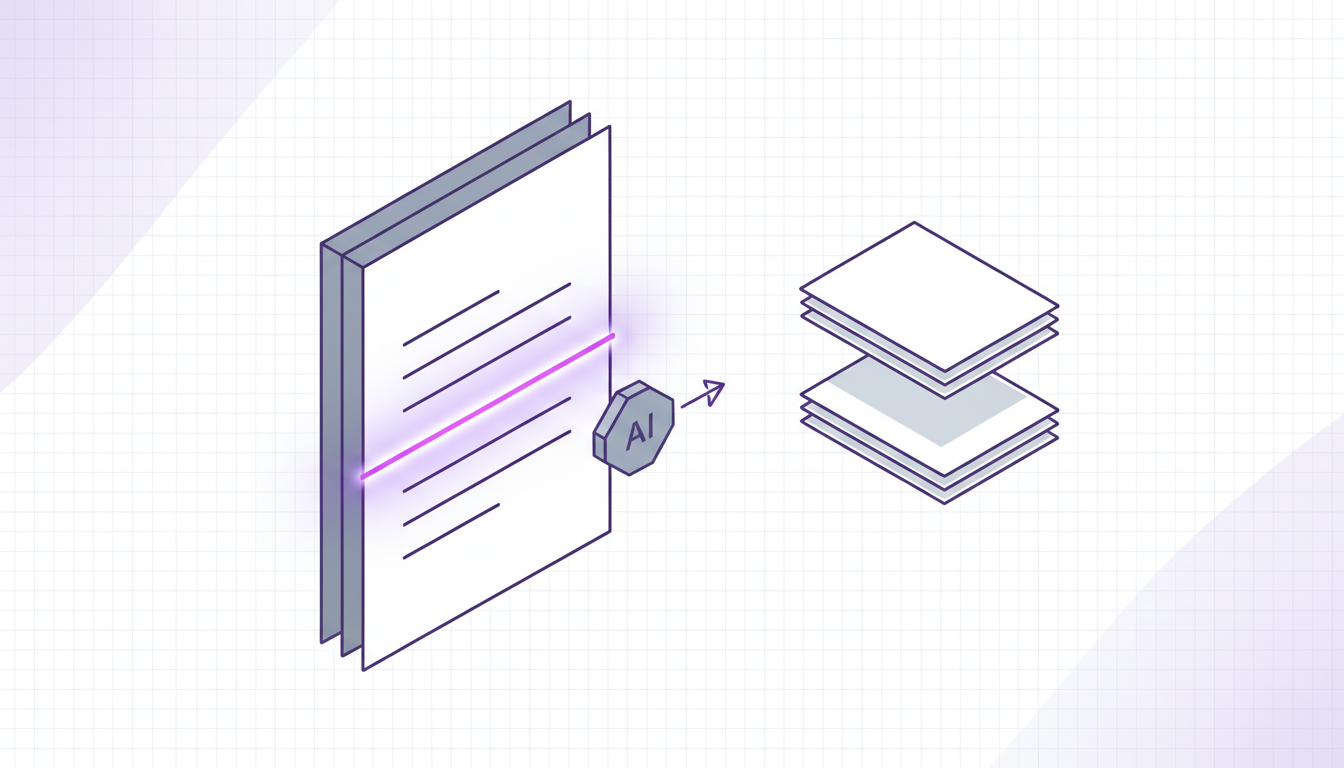
Boundary detection based on document meaning, not page count
Raydocs uses AI document parsing to analyze page content, layout, and visual structure. That matters because document boundaries are often semantic:
- a new invoice starts with a new supplier header
- a new contract starts with a new party set and title block
- a new identity document starts when the page format and fields change completely
- an appendix should stay attached to the previous core document
In other words, the system can distinguish between a continuation page and a real document break.
This is critical for mixed PDFs where page counts are inconsistent and templates are not uniform.
Detecting multiple document types in one PDF
A large combined PDF is not only a splitting problem. It is also a classification problem.
Raydocs can determine whether the same source file contains several document families, then handle them differently. For example:
- invoices can be sent to AP extraction
- contracts can be routed to legal review
- bank statements can be normalized for financial analysis
- identity documents can be checked against KYC workflows
That reduces manual triage and avoids treating the entire PDF as if it were a single document.
Renaming output files automatically
Splitting is only part of the operational work. Teams usually also need standardized filenames.
Raydocs can apply naming rules based on the detected content, for example:
invoice-acme-2026-03-14.pdfbank-statement-bnp-march-2026.pdfemployment-contract-jane-doe.pdf
Those names can be built from extracted metadata such as supplier name, account holder, document date, company name, or case identifier.
This makes downstream storage, search, and reconciliation much easier.
Processing very large documents
Many tools work on small examples but become fragile when files are large or heterogeneous.
Raydocs is built for high-volume document operations:
- large PDFs
- many documents inside one file
- batch ingestion
- downstream extraction and export by API
That matters when document splitting is not an isolated task, but one stage inside a production workflow.
Why this matters for extraction quality
If you try to extract data from a mixed PDF before separating the underlying documents, quality drops quickly:
- fields can be attributed to the wrong entity
- totals can be read from the wrong section
- results become harder to audit
Separating documents first gives you cleaner units for classification and extraction. It also improves traceability, because each result is tied back to the correct source document and pages.
A practical workflow with Raydocs
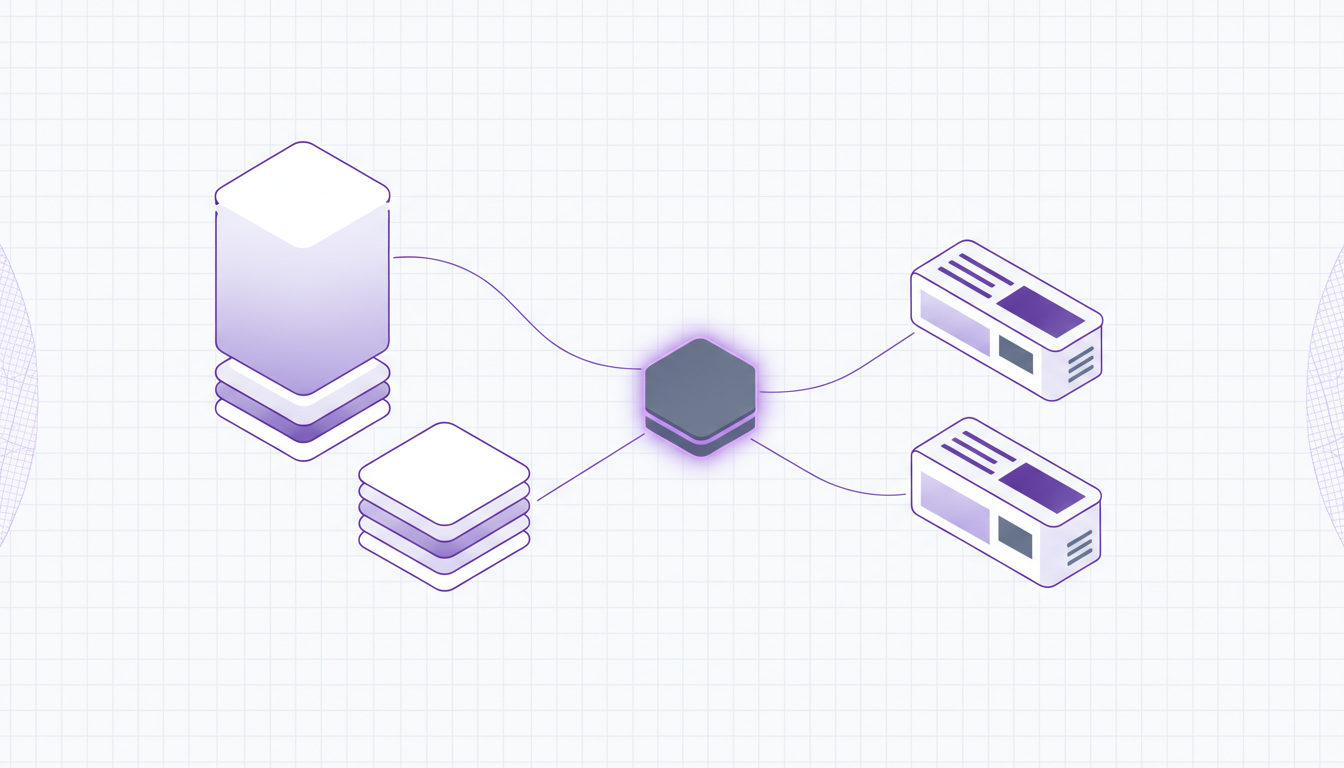
A typical setup looks like this:
- A team uploads or forwards a large PDF.
- Raydocs analyzes the file page by page.
- The system detects document boundaries and document types.
- Each detected document is split out as its own logical file.
- Raydocs renames the output based on your rules.
- Relevant extraction workflows run on each document type.
- Structured results are exported to your target system.
This removes manual pre-sorting while keeping the pipeline auditable.
When to use AI instead of separator pages
Separator pages are still useful in tightly controlled scanning operations. But AI splitting is usually the better option when:
- you do not control how files are produced
- files come from email, portals, or third parties
- document formats evolve frequently
- multiple document types are mixed together
- you want splitting, classification, renaming, and extraction in one system
Raydocs for AI document splitting
If your team needs more than a basic PDF cutter, Raydocs can be configured to handle the full workflow:
- detect multiple documents inside one PDF
- split mixed files automatically
- classify each resulting document
- rename outputs with business metadata
- run extraction on each document type
- export results through your existing systems and APIs
That is the operational difference between splitting pages and understanding documents.
If you want to turn large, messy PDFs into structured, traceable document flows, Raydocs is built for that.